Will it run on my old Fire tablet?
If your tablet can open the Amazon Appstore and the radioBee listing shows it as compatible with your device, you're set. The quickest check is to open the listing on the tablet itself.
That Fire tablet sitting in a drawer still has one great job left in it. Plug it in on the kitchen counter, install a free radio app, and switch on Dock Mode — the screen becomes a big clock with your station and controls on it, readable from across the room while you cook.
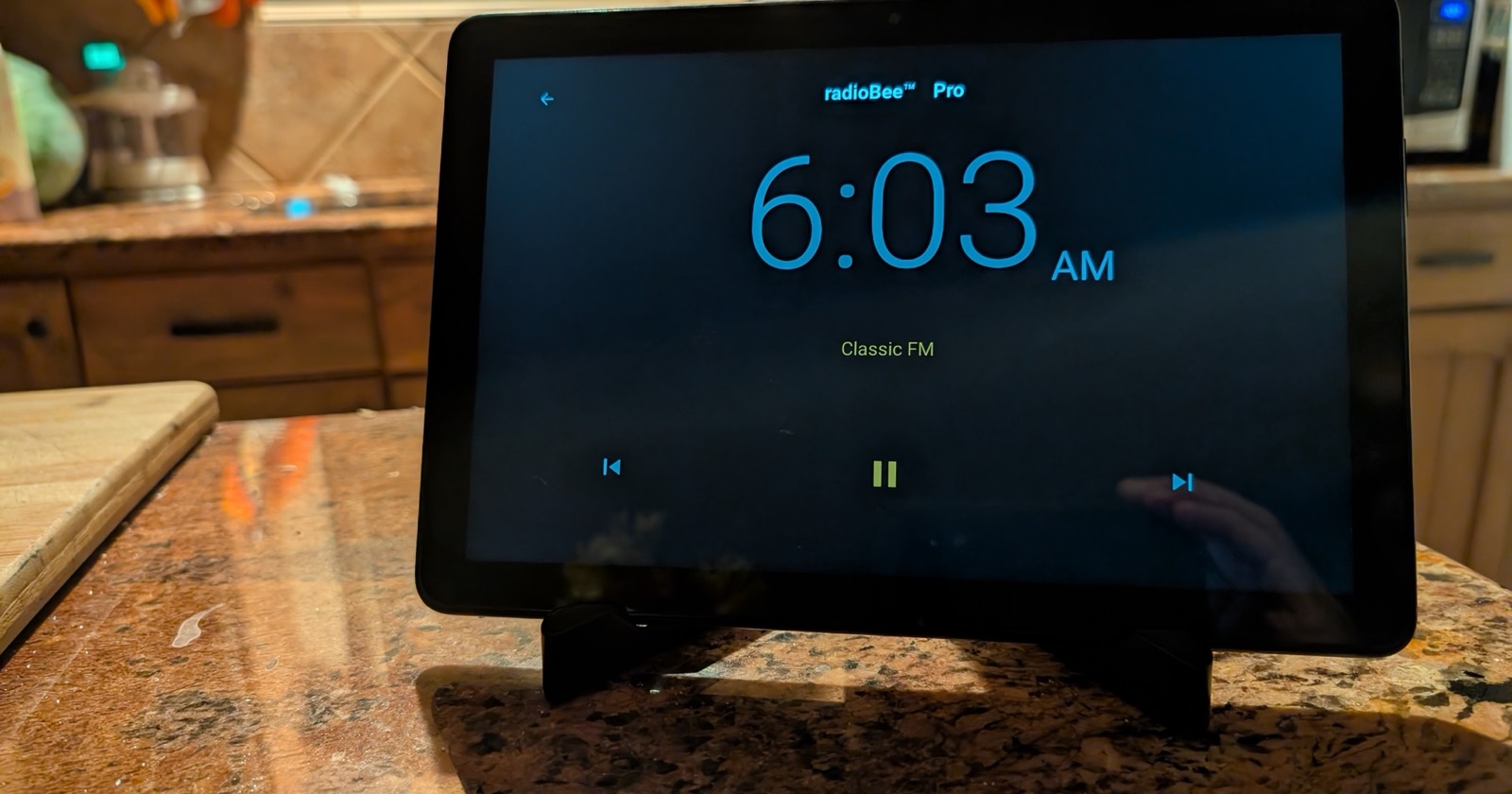
radioBee is a lightweight internet radio app for Amazon Fire tablets, Android, iPhone, and iPad. On a Fire tablet it plays live internet radio stations from the SHOUTcast directory, saves your favorite stations for one-tap listening, and needs no account. It includes Dock Mode — a full-screen clock-radio display that keeps the screen on and dims it at night — plus a sleep timer, a wake-up alarm, station search by name, country, or tag, and now-playing song info when stations provide it. radioBee Lite is free with up to 5 favorites; radioBee Pro is a small one-time purchase for listeners who want more.
 radioBee Lite is free.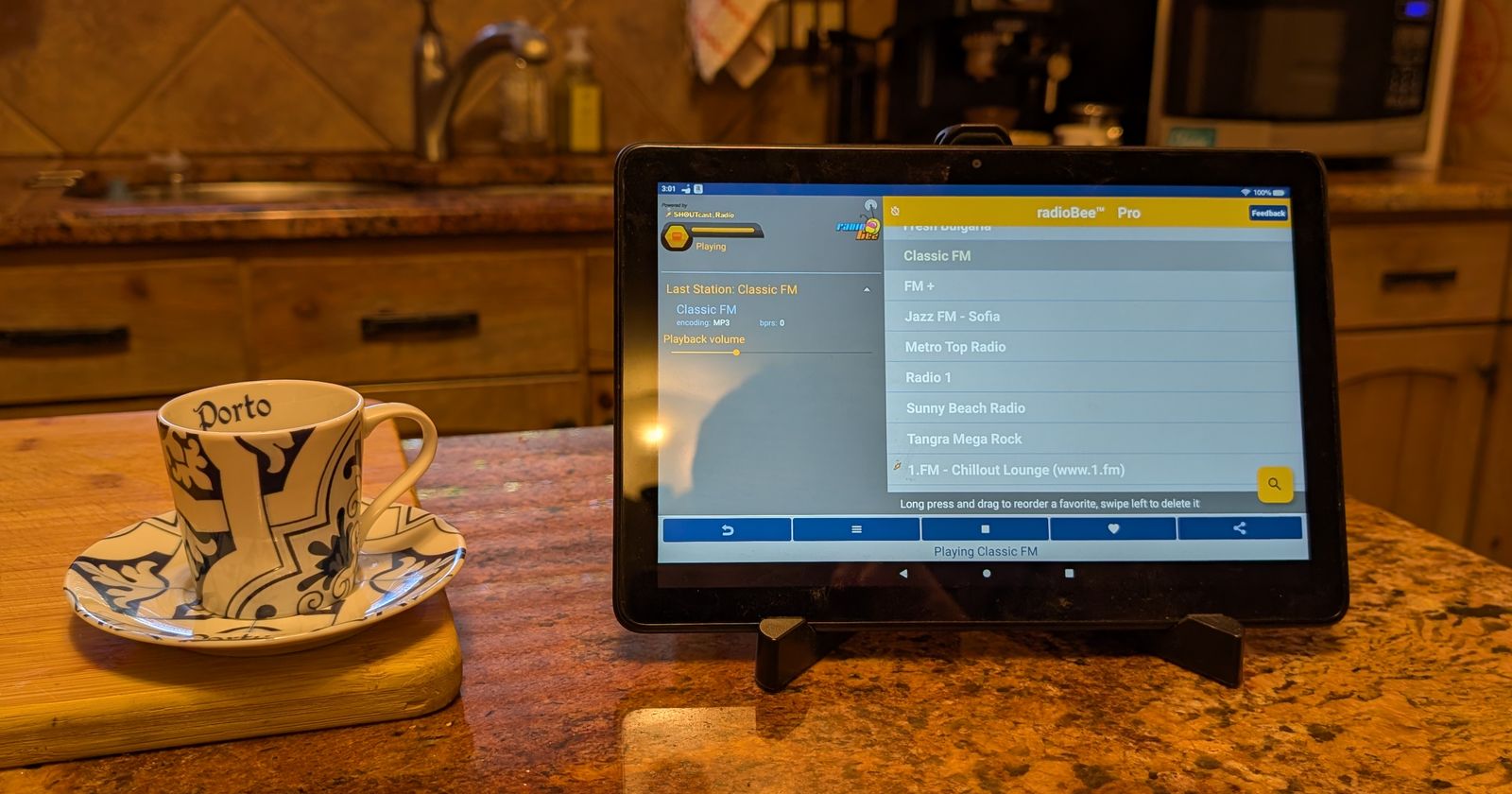
The same trick works anywhere an old tablet can stay plugged in: a workshop or garage radio, a bedside radio — Dock Mode dims itself at night, and on Fire and Android the wake-up alarm can start your favorite station in the morning — or an easy guest-room radio.
Will it run on my old Fire tablet?
If your tablet can open the Amazon Appstore and the radioBee listing shows it as compatible with your device, you're set. The quickest check is to open the listing on the tablet itself.
Does it cost anything?
radioBee Lite is free and includes up to 5 favorite stations. radioBee Pro is a small one-time purchase for listeners who want more favorites.
Do I need an account?
No. Install it, pick a station, press play.
Does the screen stay on?
In Dock Mode, yes — the screen stays awake while the tablet is docked, so the clock and station are always readable, and it dims automatically at night. Leave Dock Mode and the screen goes back to its normal timeout.
Not on a Fire tablet? Dock Mode works the same on Android phones and tablets, iPhone and iPad — and it is free in both Lite and Pro everywhere.